Row level security now available
Robert Cooper
 Robert CooperSenior Software Engineer
· November 17, 2025
Robert CooperSenior Software Engineer
· November 17, 2025
Robert Cooper
Robert CooperSenior Software Engineer
· November 17, 2025
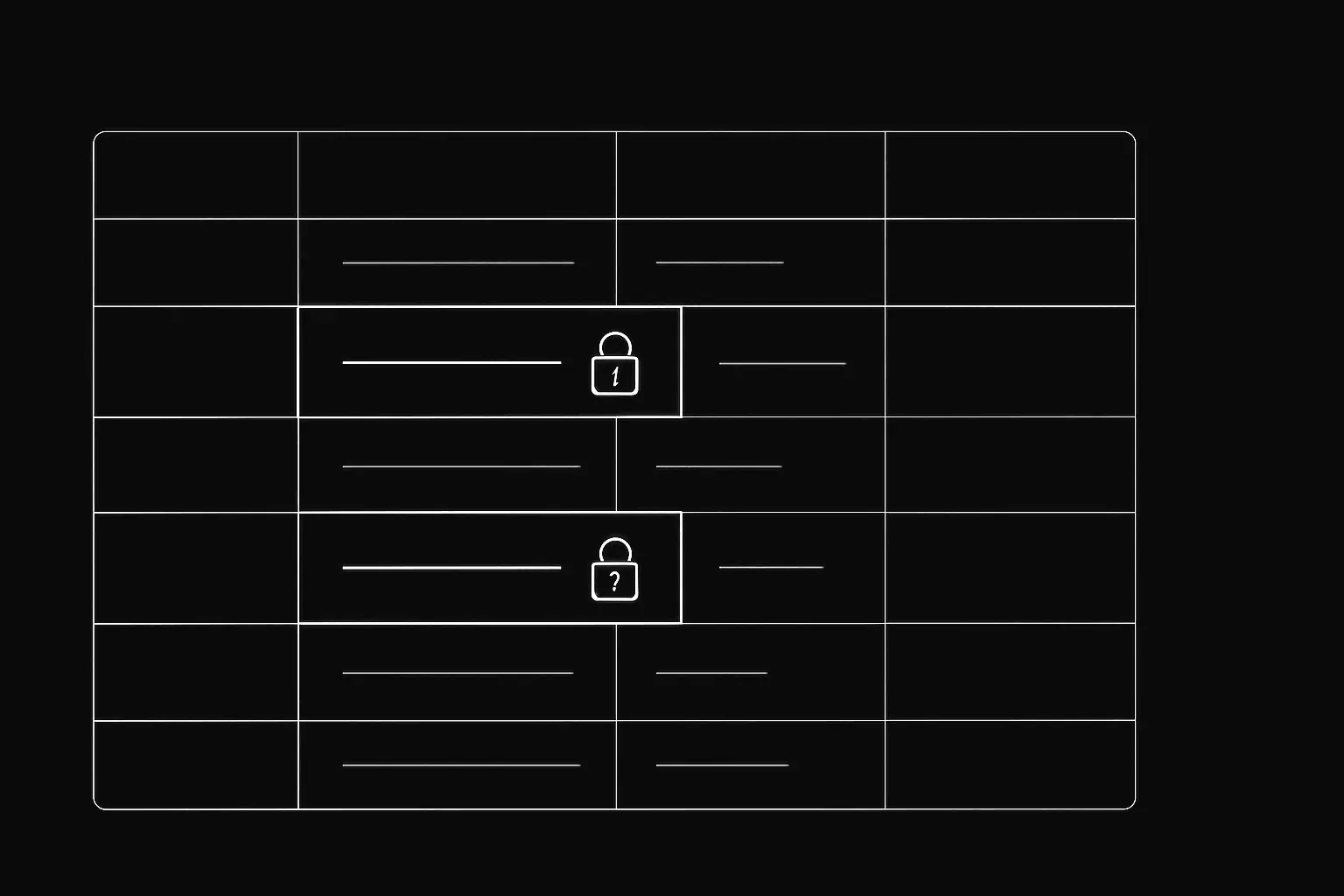
Today we’re launching Row level security (RLS) for Postgres in Basedash. RLS lets you control exactly which rows each person can access, so every chart, chat, automation, and database table only shows data a user is authorized to see.
See our docs for full details on how it works and how to set it up: https://www.basedash.com/docs/features/row-level-security
When someone in your Basedash workspace runs a query, we set a Postgres session variable called basedash.groups that contains all of that user’s group memberships. You can therefore setup Postgres RLS policies referencing this variable to filter rows automatically.
High level flow:
basedash.groupsSuppose your orders table includes a department column. You can enable RLS and create a SELECT policy like this:
-- Enable RLS on the table
ALTER TABLE orders ENABLE ROW LEVEL SECURITY;

-- Create a policy for SELECT operations
CREATE POLICY orders_group_policy ON orders
  FOR SELECT
  USING (
    current_setting('basedash.groups', true) IS NULL
    OR ',' || current_setting('basedash.groups', true) || ','
       LIKE '%,' || department || ',%'
  );
This allows normal access when basedash.groups isn’t set (existing apps continue to work), and filtered access for Basedash queries.
Multiple group memberships are supported automatically with the comma-separated approach.
If you use Basedash Warehouse, you can create policies with your warehouse credentials. Just make sure that when you enable RLS on a table, you use FORCE ROW LEVEL SECURITY and add permissive policies to keep syncs working for INSERT, UPDATE, and DELETE.
ALTER TABLE "TableName" FORCE ROW LEVEL SECURITY)current_setting('basedash.groups', true).RLS is available now for Postgres data sources in Basedash (including the Basedash warehouse). Secure access at the row level, keep teams productive, and ship multi-tenant experiences with confidence.
If you need RLS for another database, reach out to us at support@basedash.com.
Written by

Senior Software Engineer
Robert Cooper is a senior engineer who builds full-stack product systems across SQL data infrastructure, APIs, and frontend architecture. His work focuses on application performance, developer velocity, and reliable self-hosted workflows that make data operations easier for teams at scale.
Basedash lets you build charts, dashboards, and reports in seconds using all your data.