Introducing Basedash Models
Max Musing
 Max MusingFounder and CEO of Basedash
· September 19, 2026
Max MusingFounder and CEO of Basedash
· September 19, 2026
Max Musing
Max MusingFounder and CEO of Basedash
· September 19, 2026
Today we’re launching Basedash Models, a semantic workspace of reusable, governed SQL for the concepts your company runs on.
Definitions have grown into Models, which now live as a top-level workspace right below Data. A model captures customers, orders, or active accounts once, so everyone works from the same trusted definition instead of re-deriving it.
You reference a model in SQL like a table: select * from models.customers. Legacy definitions. references migrate automatically.
Each model has dedicated editor views for Details, Columns, Measures, and Segments, plus the semantics the rest of Basedash needs to treat it as a real business object:
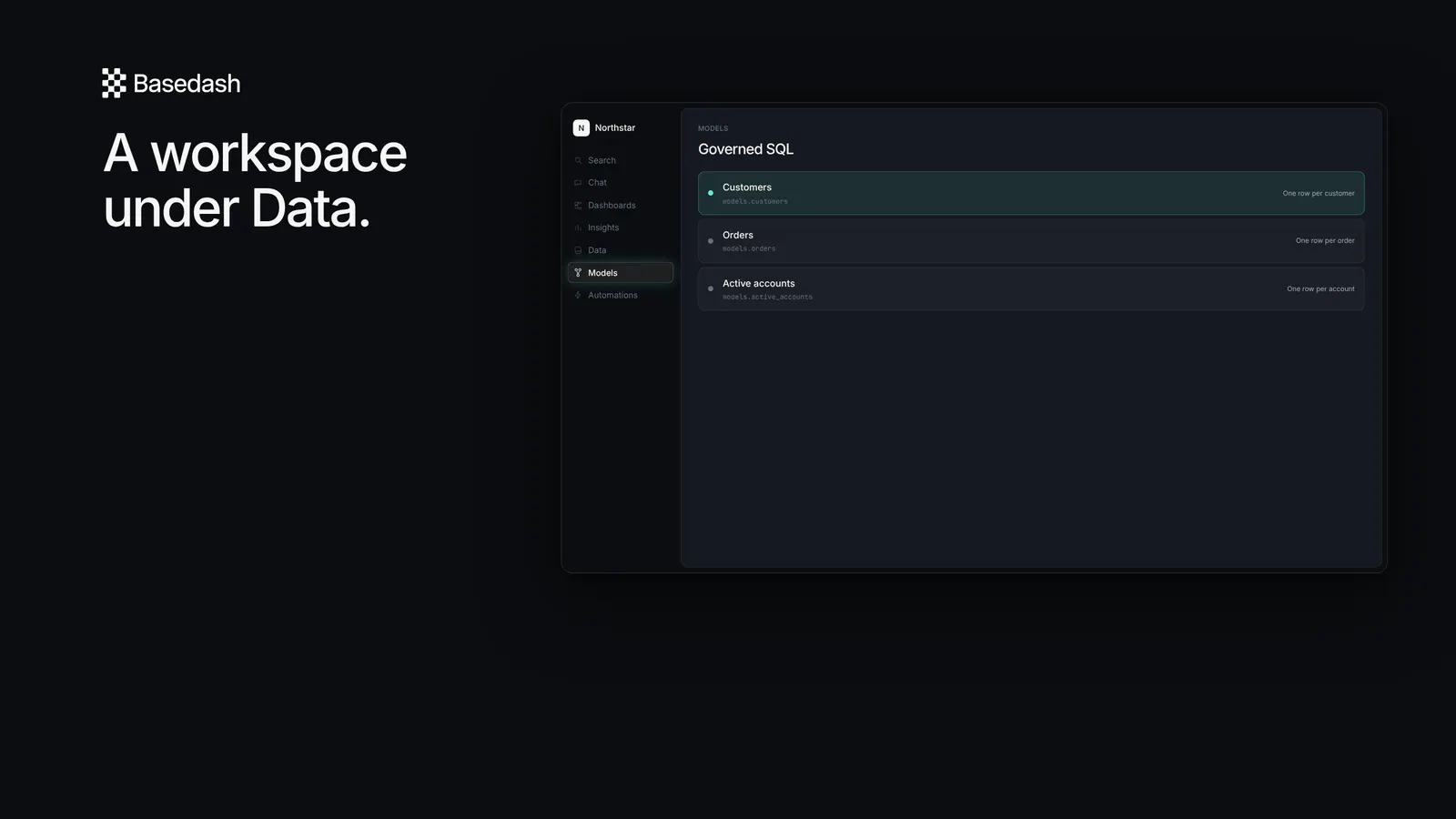
The SQL is still the source of truth, and the workspace is where the team governs it.
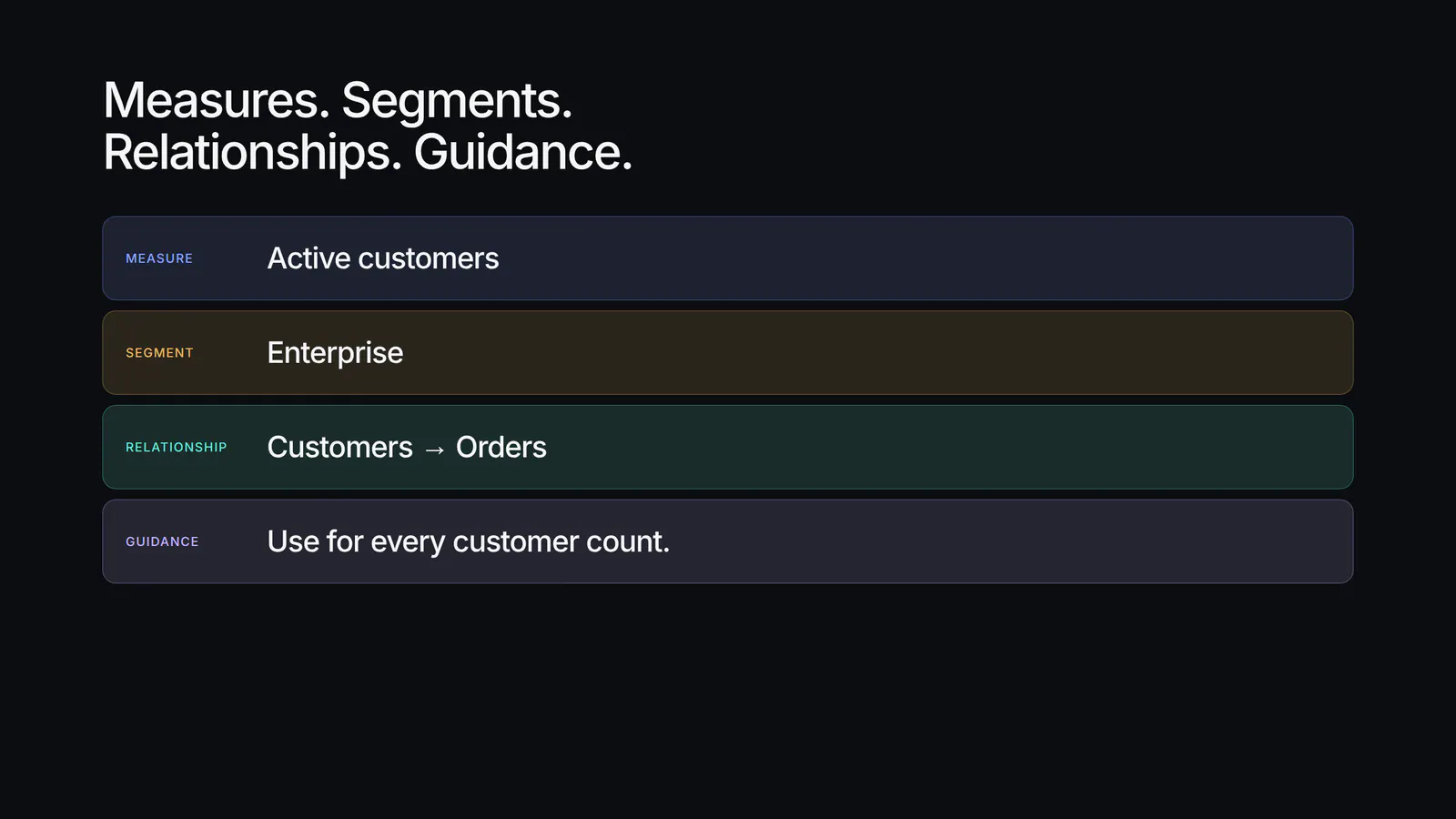
Core metrics should not live in someone’s private query. On a Customers model, Active customers, MRR, and LTV are measures. Enterprise and Trialing are segments. Relationships, such as Customers to Orders, sit next to them.
When someone on growth, finance, or CS asks for customers, they hit the same object. The calculation does not fork because the question came from a different Slack thread.
Instead of guessing which filter you meant, the assistant reads the model: the measures, the segments, the relationships, and the usage guidance. Ask for active enterprise customers and it reaches for the Active customers measure and the Enterprise segment, the ones the team already agreed on.
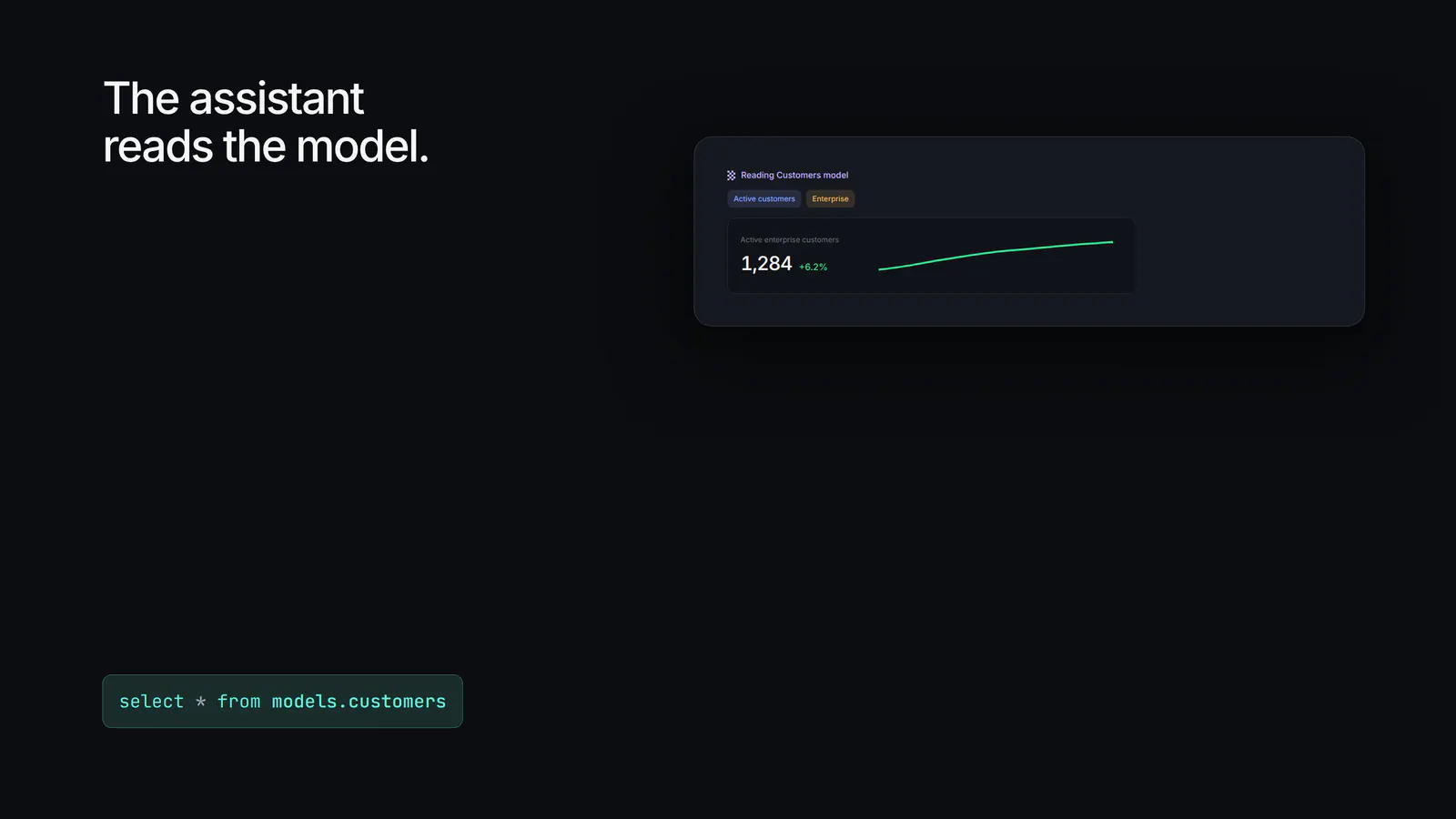
Putting semantics on the model, instead of hoping the prompt is specific enough, gives you more accurate SQL, the right measures and filters, and answers consistent with how the team defines things.
Admins can turn Models off per organization in settings if the workspace is not ready for it yet.
Basedash Models is available today.
select * from models.<name>, or ask the assistant and let it read the modelExisting definitions. references keep working and migrate automatically.
Define a model once, then query it like a table.
Written by

Founder and CEO of Basedash
Max Musing is the founder and CEO of Basedash, an AI-native business intelligence platform designed to help teams explore analytics and build dashboards without writing SQL. His work focuses on applying large language models to structured data systems, improving query reliability, and building governed analytics workflows for production environments.
Basedash lets you build charts, dashboards, and reports in seconds using all your data.