Introducing Basedash Subscriptions
Max Musing
 Max MusingFounder and CEO of Basedash
· August 8, 2026
Max MusingFounder and CEO of Basedash
· August 8, 2026
Max Musing
Max MusingFounder and CEO of Basedash
· August 8, 2026
Today we’re launching Basedash Subscriptions. Subscribe to any dashboard or chart, and Basedash delivers a fresh snapshot to your inbox or a Slack channel on the schedule you pick.
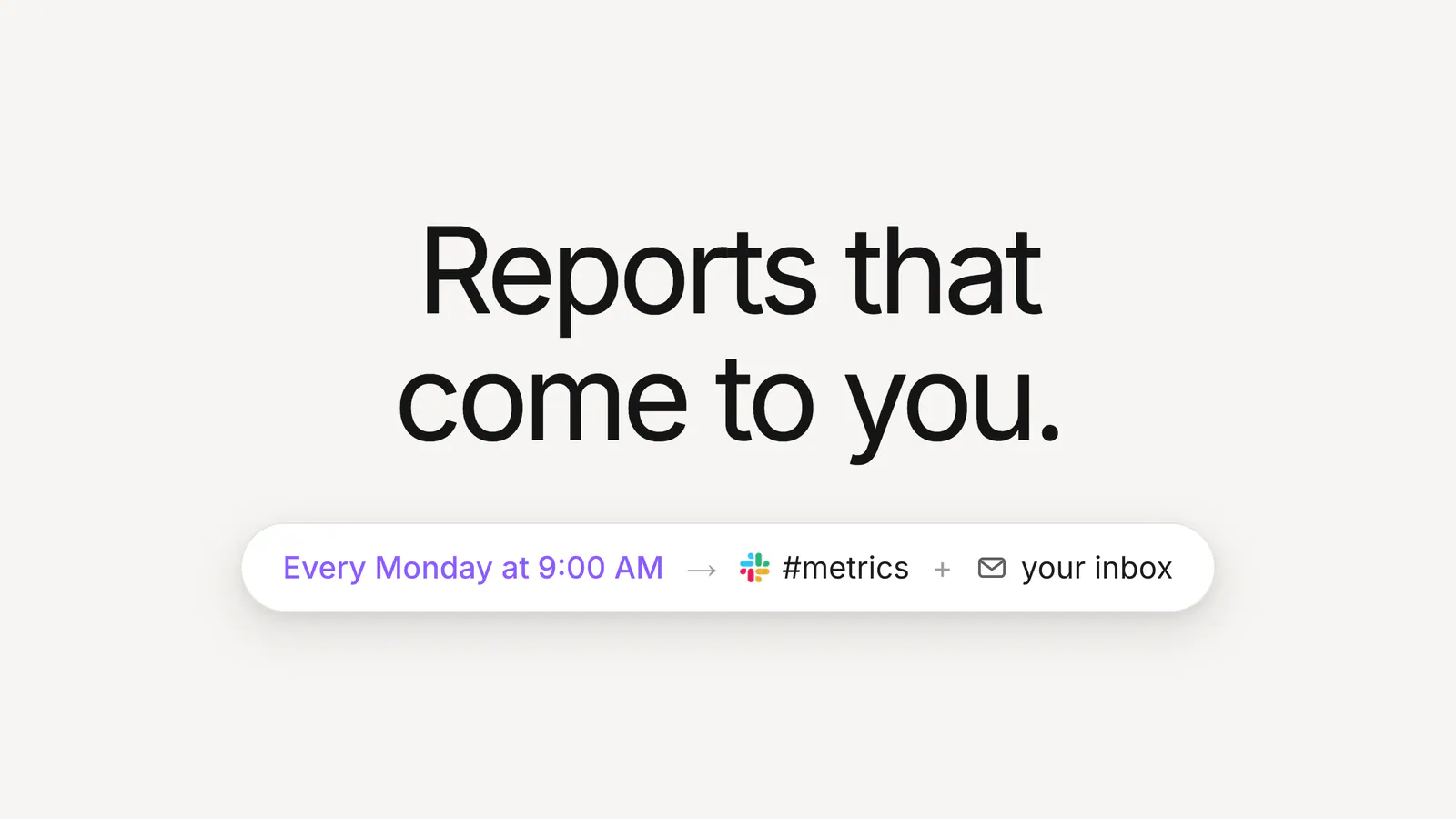
Set it once, for example every Monday at 9:00 AM to #metrics and your inbox. From then on, the report arrives on its own, with up-to-date charts and a link back to the live dashboard for anyone who wants to dig in.
Every team has a reporting ritual, like the Monday metrics review, the Friday pipeline check, or the first-of-the-month board pack. Behind almost every one of them is a person who has to remember to open the dashboard, take a screenshot, and paste it somewhere before the meeting starts.
The dashboard was already built and the data was already fresh. The only thing standing between your team and the numbers was the errand of delivering them, and Subscriptions take care of it by bringing the report to you.
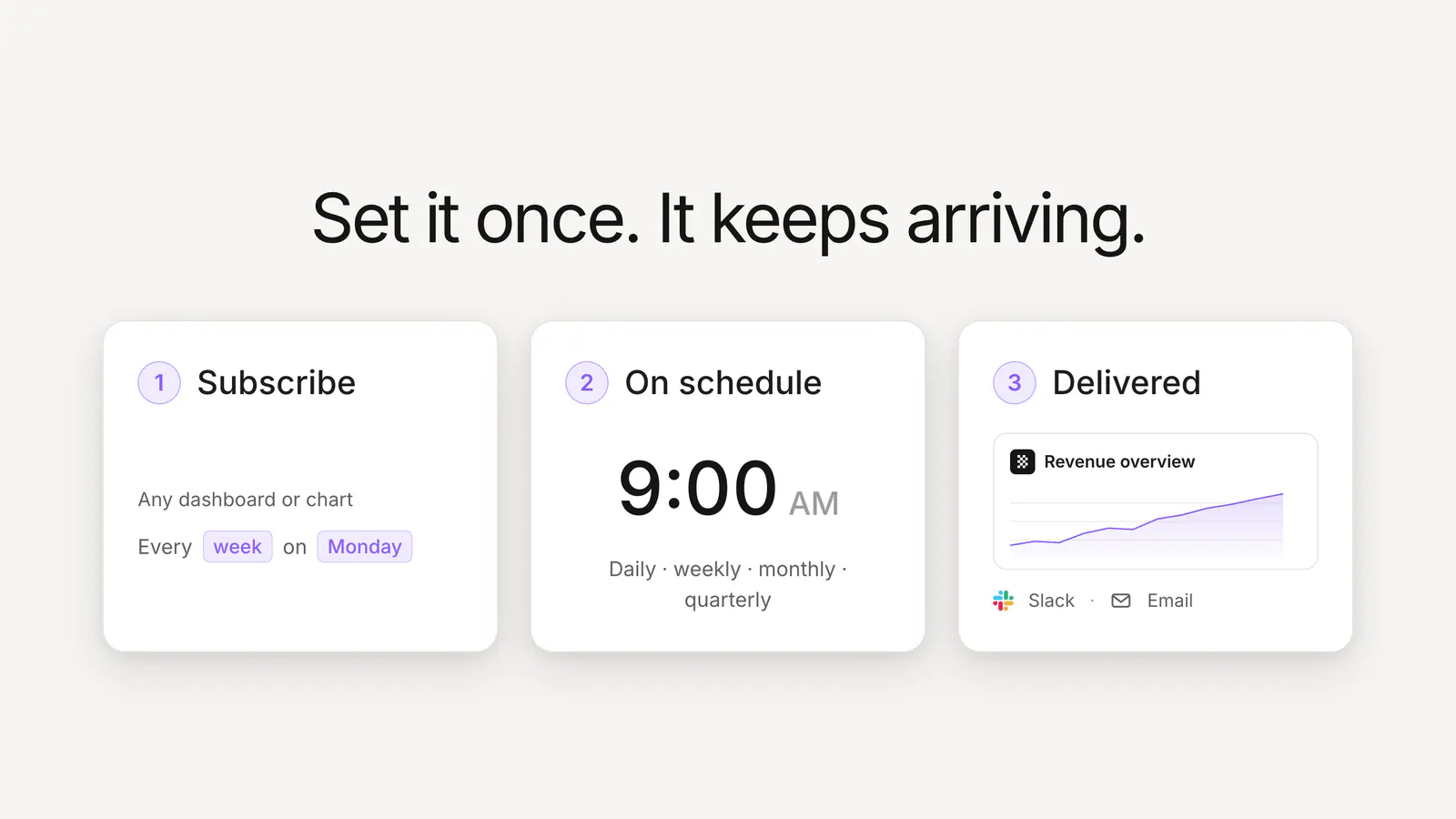
Open the menu on any dashboard or chart and hit Subscribe. Pick your schedule with a simple structured sentence: every day, weekdays, a weekly day, or monthly or quarterly on a date, at whatever hour you want. It reads the way you’d say it: every week on Monday at 9:00 AM.
Then choose where it goes under Deliver to: email it to yourself or any set of teammates, send it to a Slack channel, or both. Click Create subscription and you’re done.
When the schedule fires, Basedash renders a fresh snapshot of every chart and sends it out:
Either way, the charts are rendered at delivery time from your live data, so a subscription never sends a stale report.
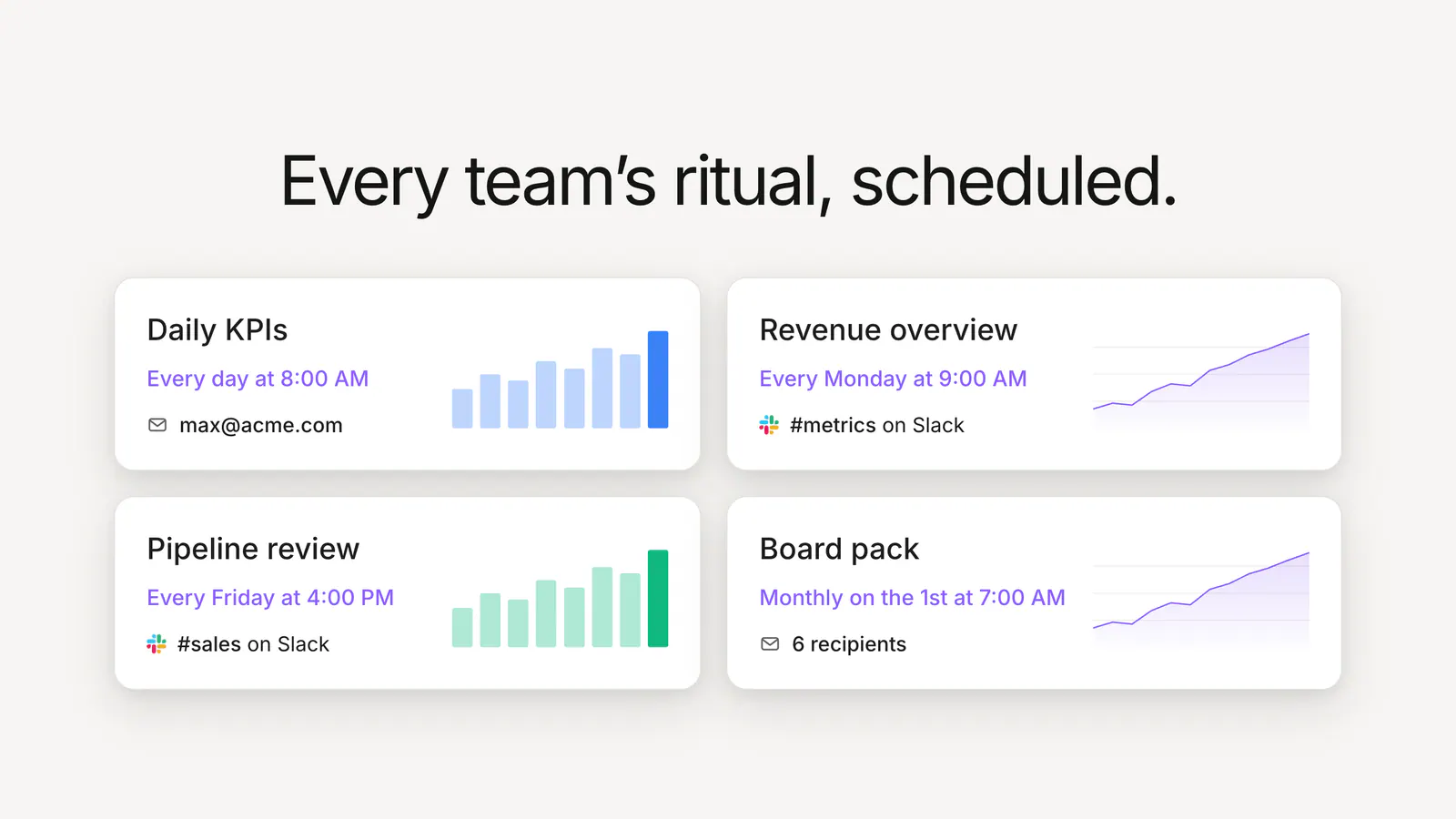
Subscriptions are designed to stack. A single revenue dashboard might have a daily digest going to the exec team’s inboxes, a Monday morning post in #metrics, and a monthly snapshot for the board, each on its own schedule with no manual work.
Each subscription is managed right from the dashboard or chart it belongs to. Edit the schedule or recipients inline, and flip the Active switch to pause delivery without deleting anything. That’s useful for reports that only matter during a launch or a quarter-end push.
If you want Basedash to analyze on a schedule (summarize the week, flag anomalies, write commentary), use Automations. Subscriptions are simpler on purpose: they deliver the dashboard you already trust, as it looks in Basedash, on time.
Subscriptions are available today for all Basedash users:
With Subscriptions, your team no longer has to remember to send the report.
Subscribe to a dashboard or chart to get it delivered on schedule.
Written by

Founder and CEO of Basedash
Max Musing is the founder and CEO of Basedash, an AI-native business intelligence platform designed to help teams explore analytics and build dashboards without writing SQL. His work focuses on applying large language models to structured data systems, improving query reliability, and building governed analytics workflows for production environments.
Basedash lets you build charts, dashboards, and reports in seconds using all your data.