Introducing groups and access controls
Max Musing
 Max MusingFounder and CEO of Basedash
· June 20, 2026
Max MusingFounder and CEO of Basedash
· June 20, 2026
Max Musing
Max MusingFounder and CEO of Basedash
· June 20, 2026
Today we’re launching groups and access controls in Basedash. The whole company touches a BI tool like Basedash, so it matters who can see what, and now you can control that precisely.
Create groups around the way your company is organized, grant each group access to what it needs, and give every group its own AI context so the assistant behaves differently for different people.
Access and governance determine whether a BI tool stays limited to a few analysts or can safely be opened to the whole company and the people outside it. Once you connect real data and point an AI analyst at it, the question shifts from “can we answer this?” to “who should be allowed to ask?”
Groups and access controls answer that question. You decide who is in each group, what each group can reach, and how the AI talks to them.
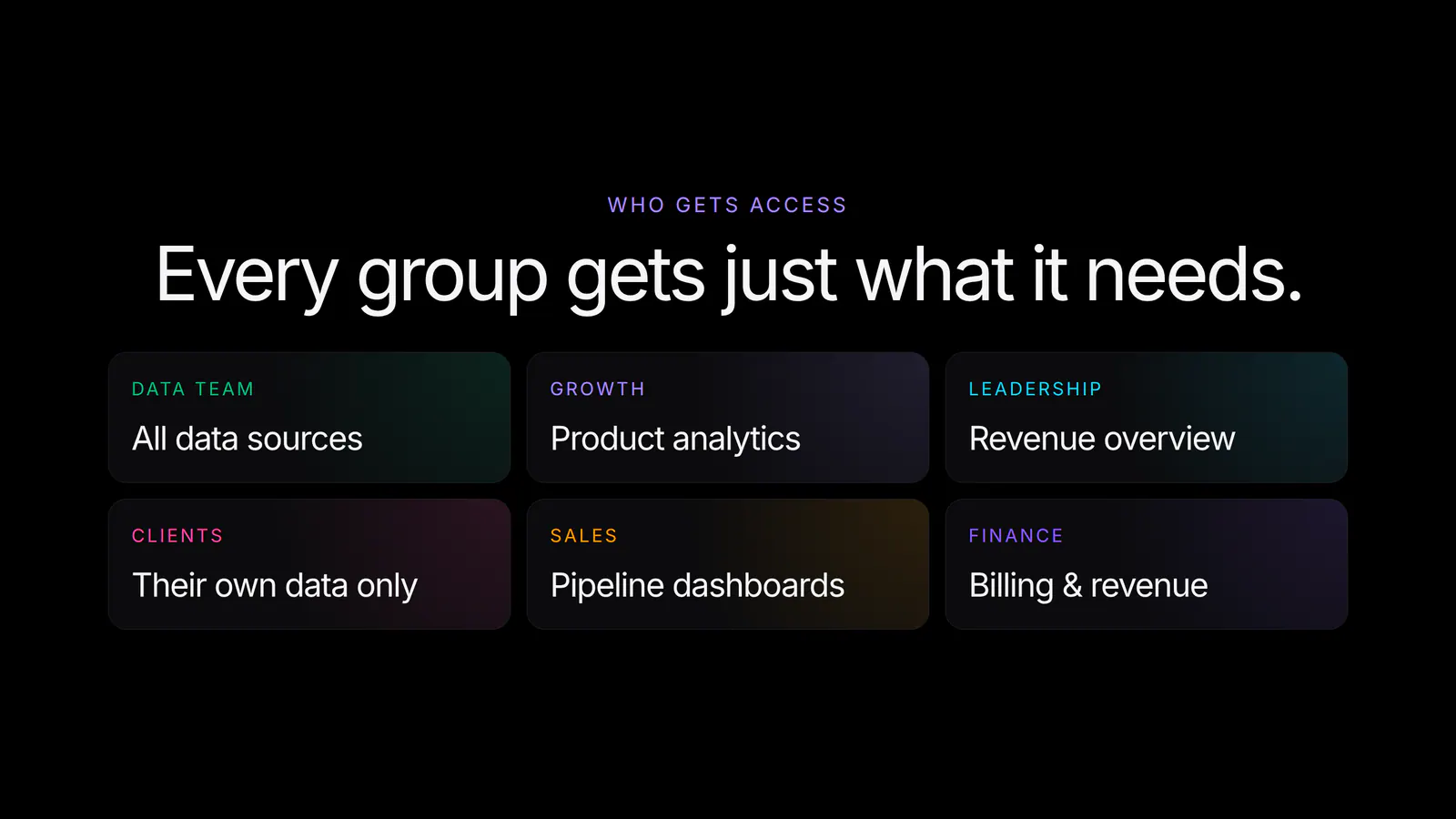
Bundle people into groups that match how you work: your data team, growth, leadership, or an external client you share dashboards with. Each group is a single place to manage everything those users can do.
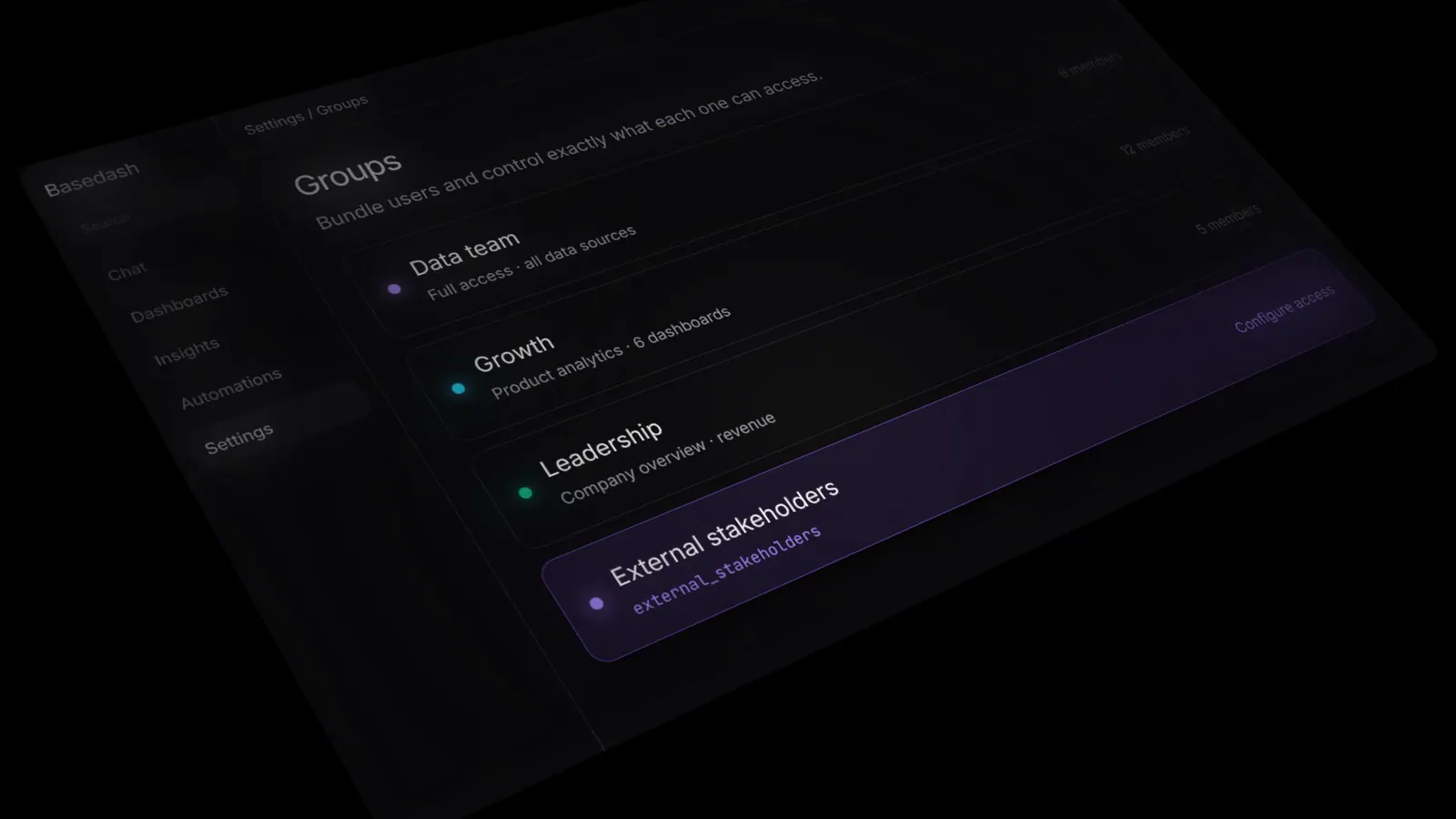
Adding a person to a group gives them its access immediately, and removing them revokes it as quickly.
A group’s access extends beyond dashboards to everything in Basedash. Toggle on what a group should reach and leave the rest off.
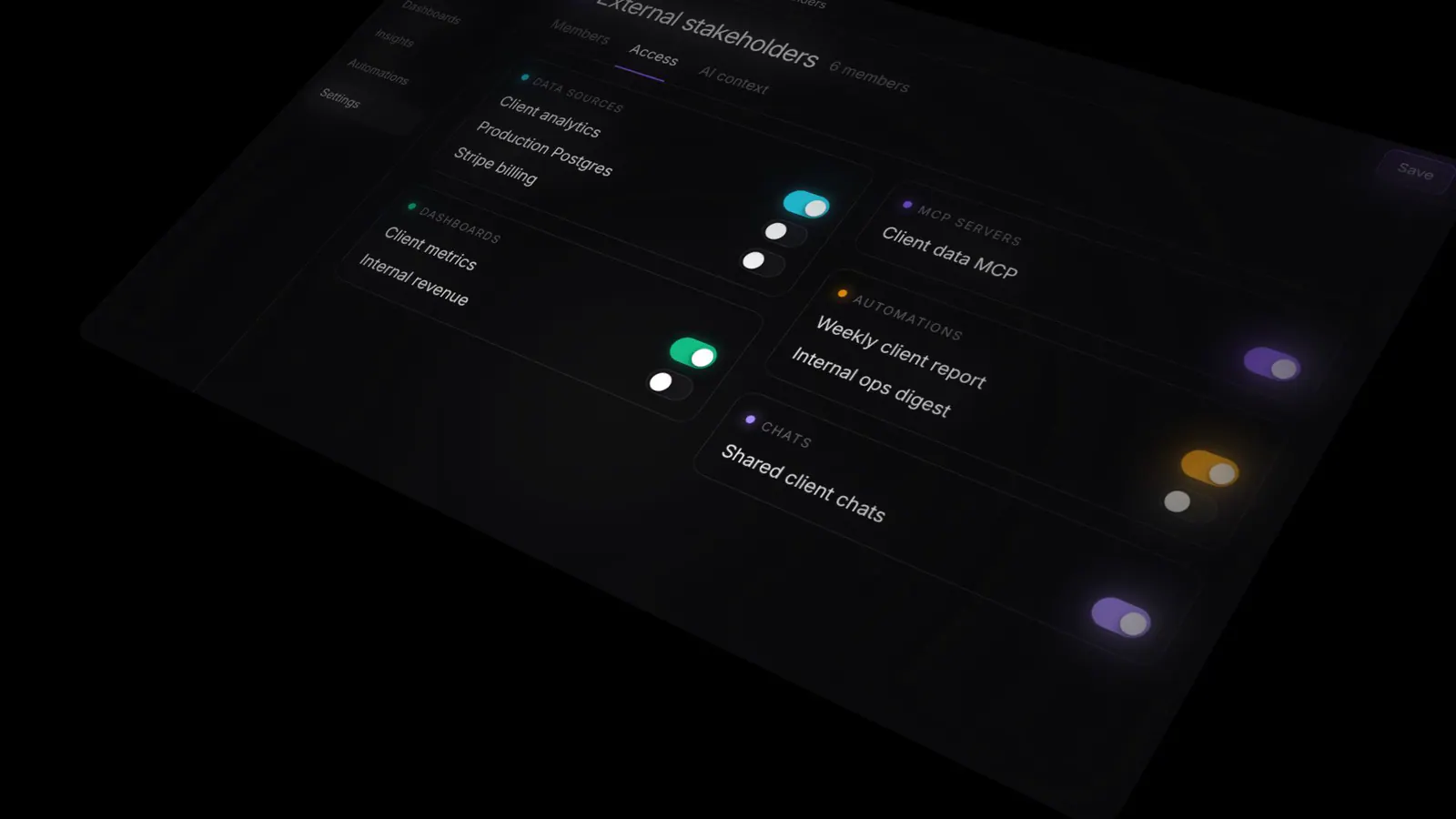
You can scope a group to specific:
So your external stakeholders can see their own client dashboard and nothing else, while your data team keeps full access to everything.
Permissions decide what a group can reach, and AI context decides how the assistant talks to them. Every group gets its own context that’s applied to every answer automatically.
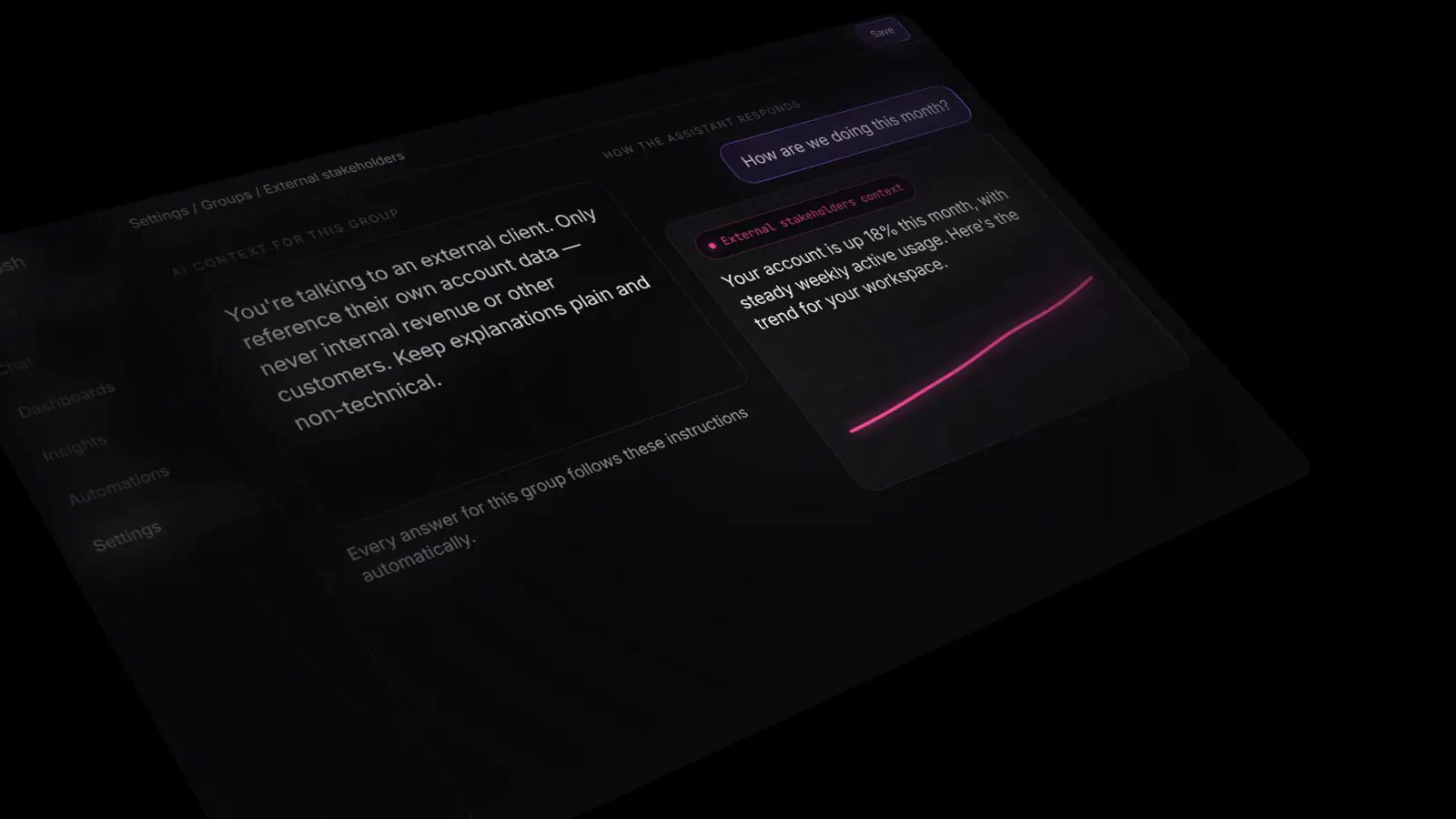
Tell the assistant something like “you’re talking to an external client, only reference their own account data, and keep explanations non-technical,” and every response for that group follows it, on top of the row-level security that already applies to every question.
Because groups map to real teams and audiences, each group naturally gets the slice of Basedash it needs.
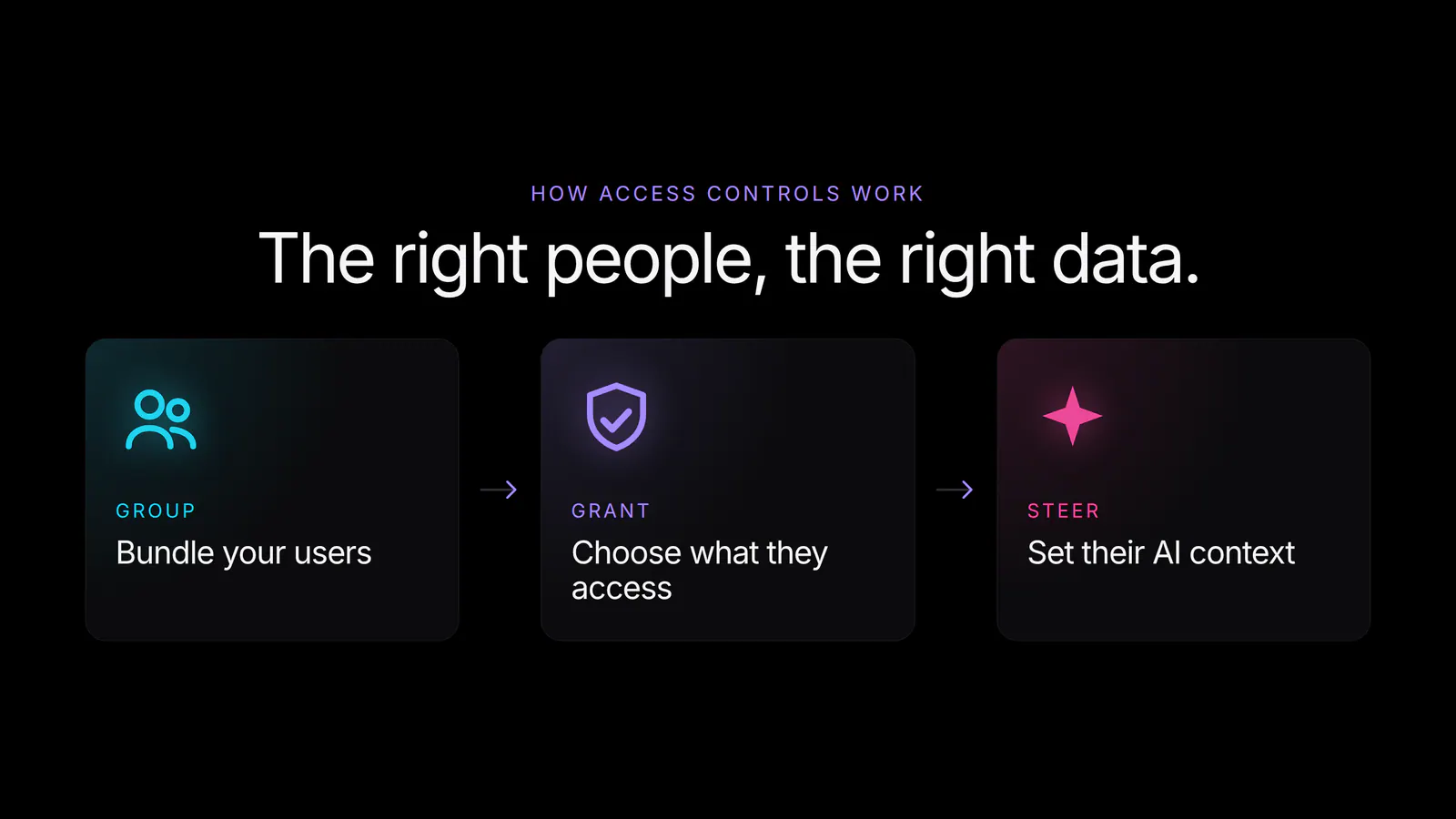
It’s three steps: group your users, grant the access each group needs, and steer how the AI answers for them. Set it once and it applies everywhere: chats, dashboards, automations, and the MCP server alike.
Groups and access controls are available today for all Basedash users:
A BI tool is only useful if people trust it. With groups, the right people see the right data, and the AI knows who it’s talking to.
Try groups and access controls today to decide who can access your data.
Written by

Founder and CEO of Basedash
Max Musing is the founder and CEO of Basedash, an AI-native business intelligence platform designed to help teams explore analytics and build dashboards without writing SQL. His work focuses on applying large language models to structured data systems, improving query reliability, and building governed analytics workflows for production environments.
Basedash lets you build charts, dashboards, and reports in seconds using all your data.