Chat builds whole dashboards, live in the conversation
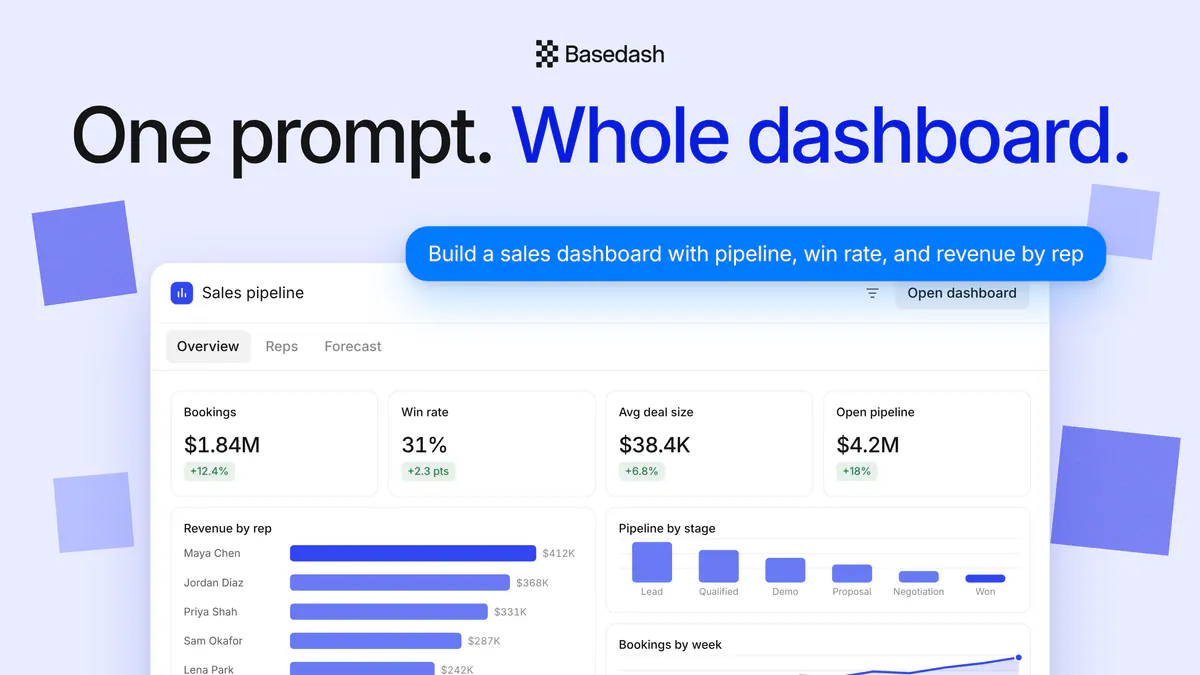
Type one prompt in Basedash chat and get a whole dashboard back, previewed live in the conversation: KPIs, charts, tables, filters, and tabs you can use before you open it.

This page is available in Français.
This page is available in Español.
This page is available in Português (Brasil).

Type one prompt in Basedash chat and get a whole dashboard back, previewed live in the conversation: KPIs, charts, tables, filters, and tabs you can use before you open it.

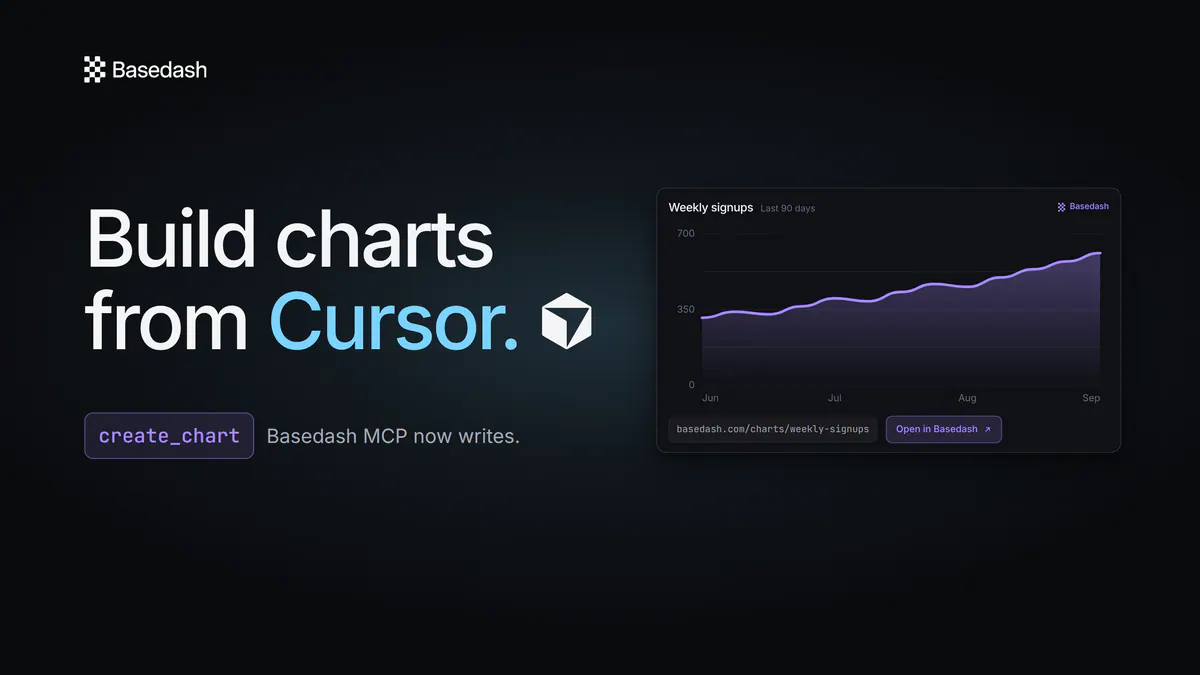
The Basedash MCP server can now write, not just read. From Cursor, Claude, or any MCP client, ask for a chart or a whole dashboard and get back a real Basedash artifact with a durable link and a rendered image.

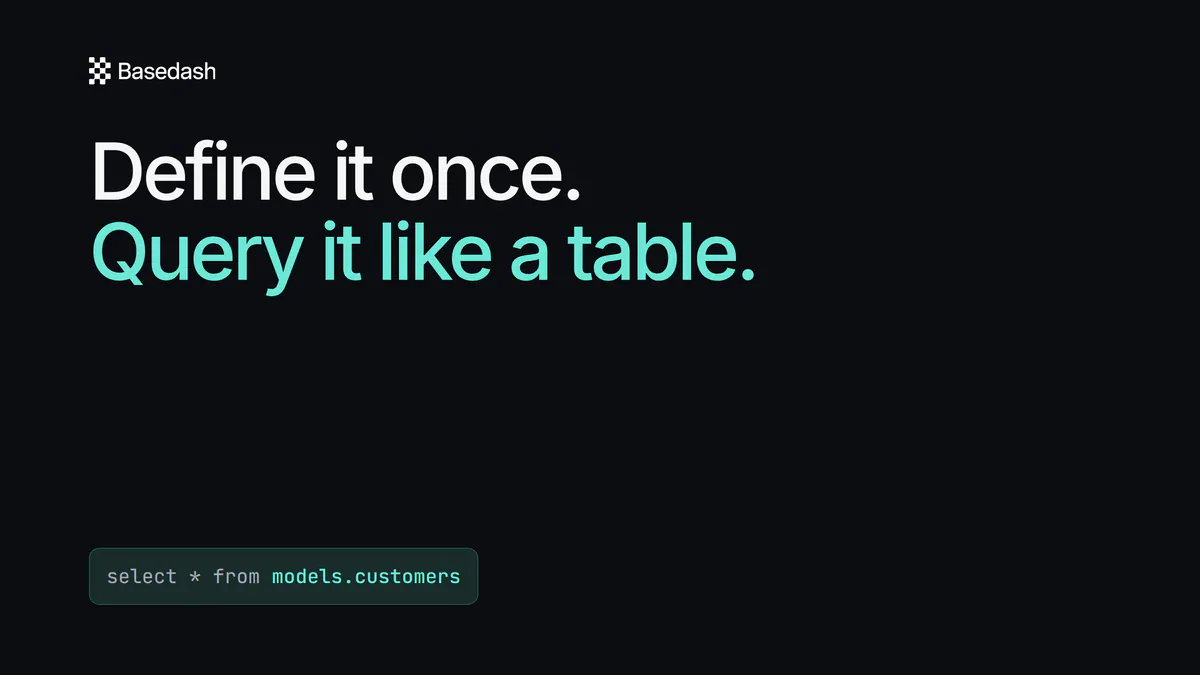
Definitions grew into a semantic workspace of reusable, governed SQL. Query a model like a table, and the assistant reads its measures, segments, and relationships.

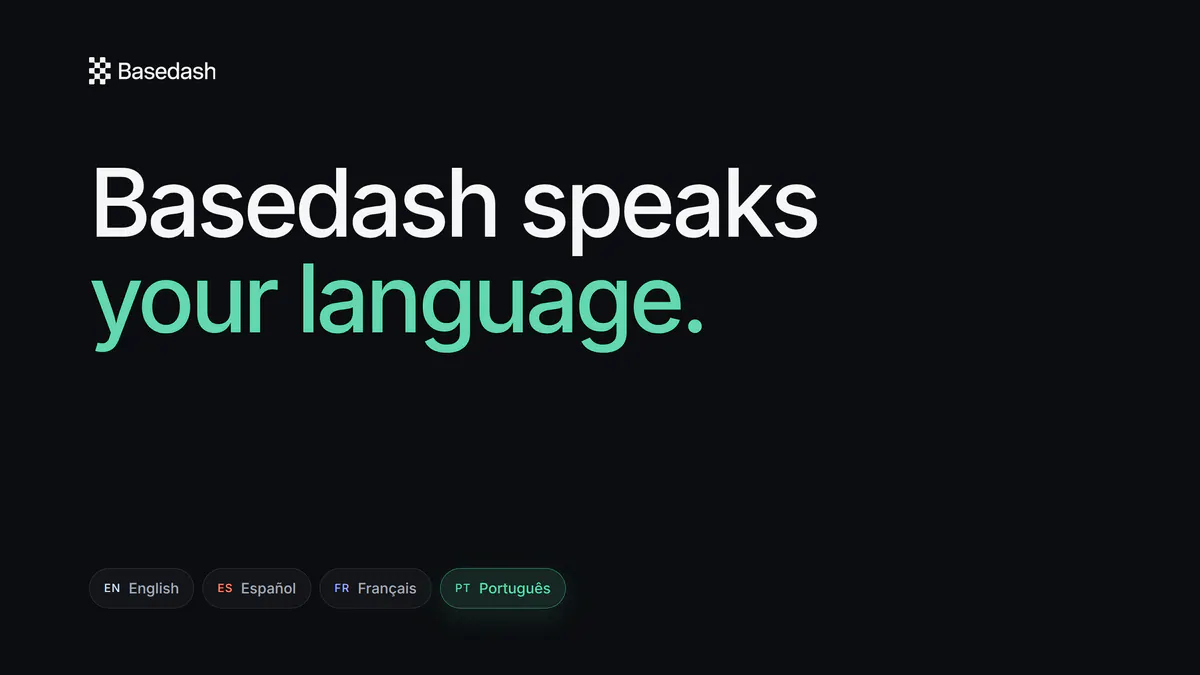
Choose English, Español, Français, or Português in profile settings and the Basedash interface switches instantly, with no page reload.
“We evaluated Omni and other BI tools, but the speed to insight with Basedash is unmatched.”
Greg Demoge
Co-founder & CPO · FullEnrich
Read case study →
“For a security-conscious company like ours, Basedash instantly clicked. Reports that took weeks are ready in hours.”
Claudio Godoy
AI Agents Lead · Taxfyle
Read case study →

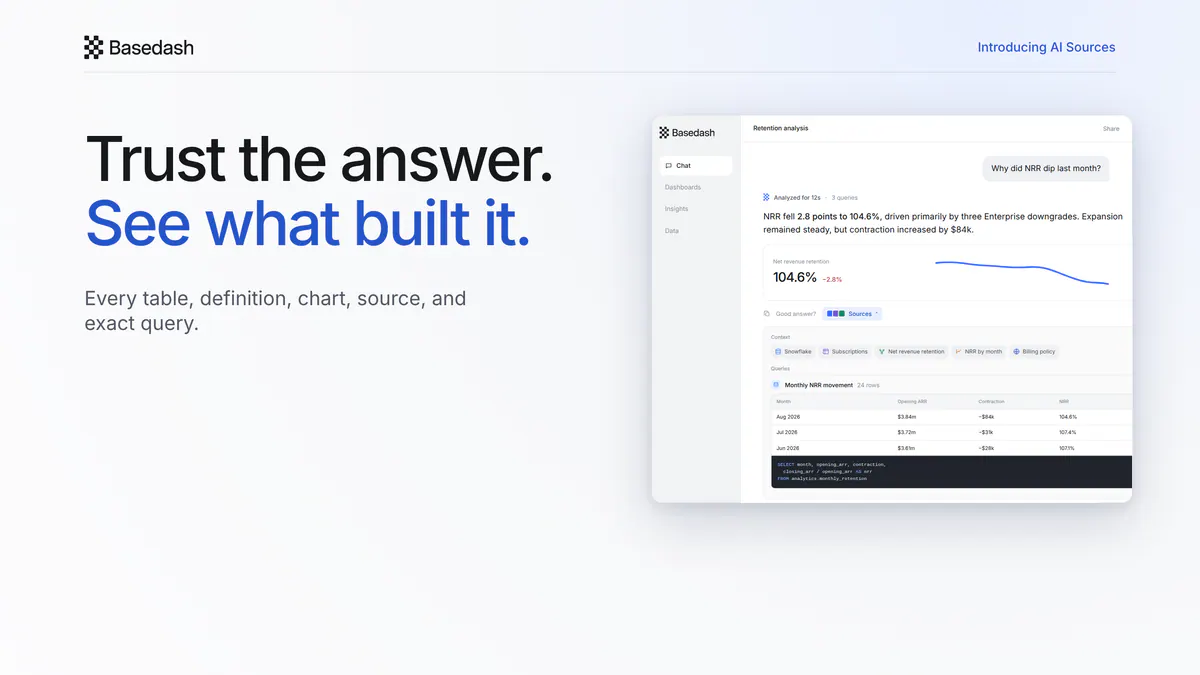
Inspect the tables, definitions, charts, connections, web pages, SQL, and returned rows behind every AI answer in Basedash.

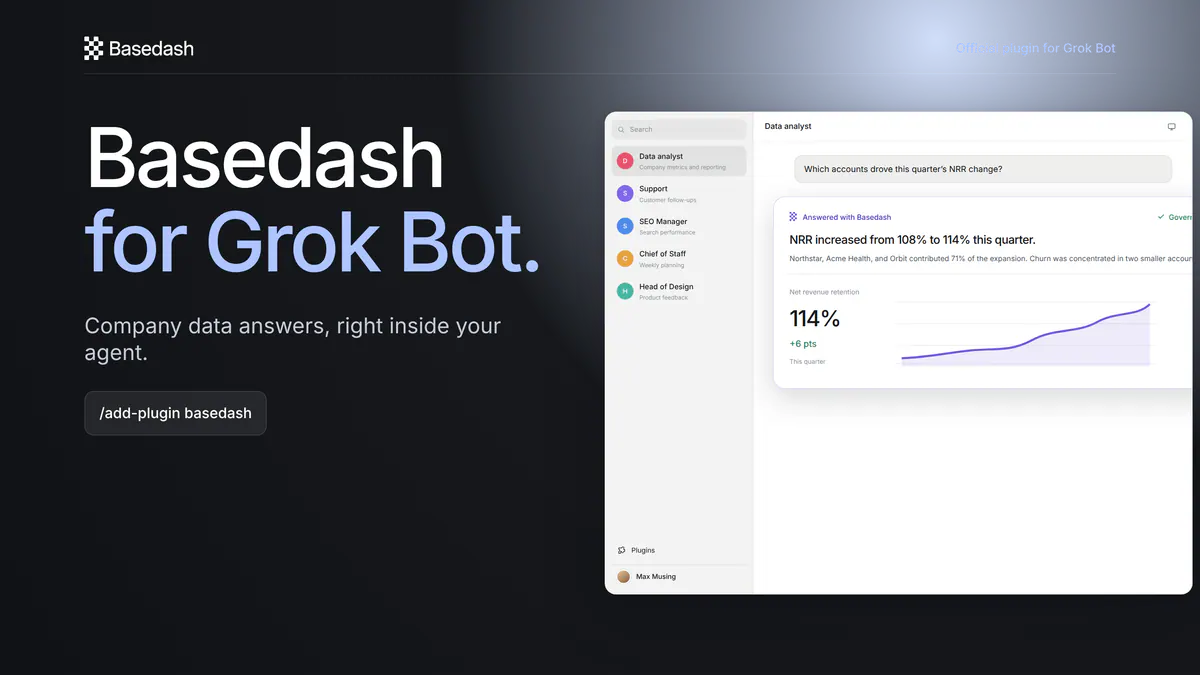
Install the official Basedash plugin in Grok Bot to ask questions of governed company data and list the connected sources available to you.

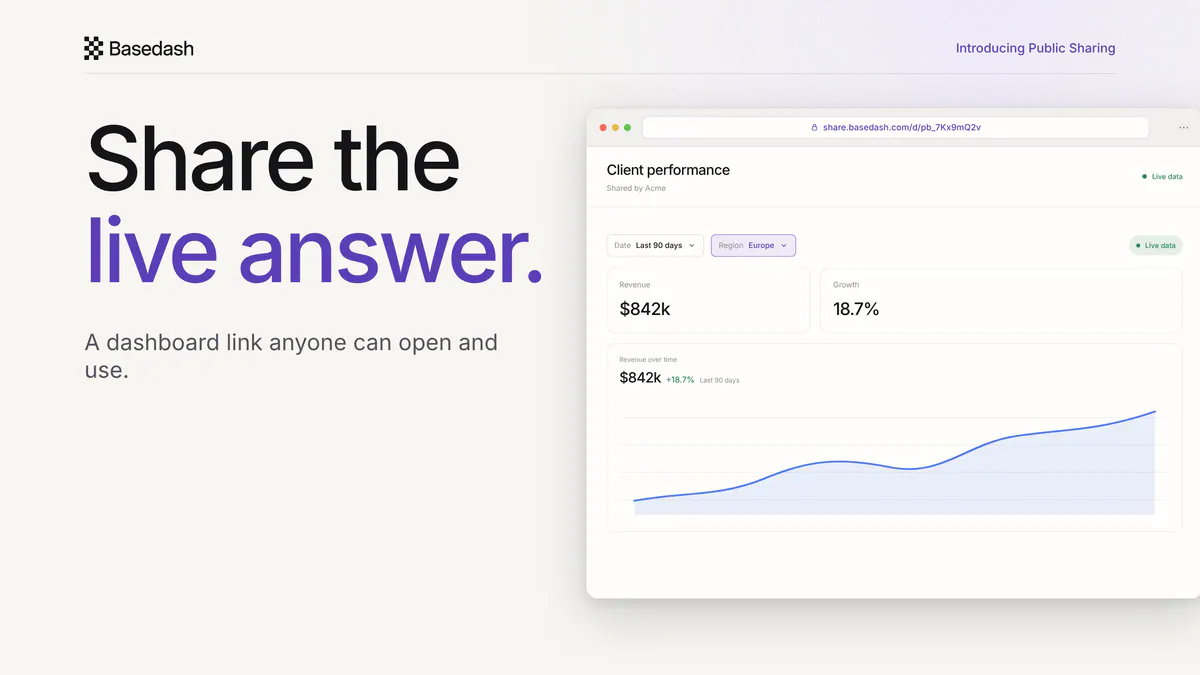
Send a live Basedash dashboard or chart to a client, investor, leader, or contractor with one link. They can open, filter, and sort it without a Basedash account.

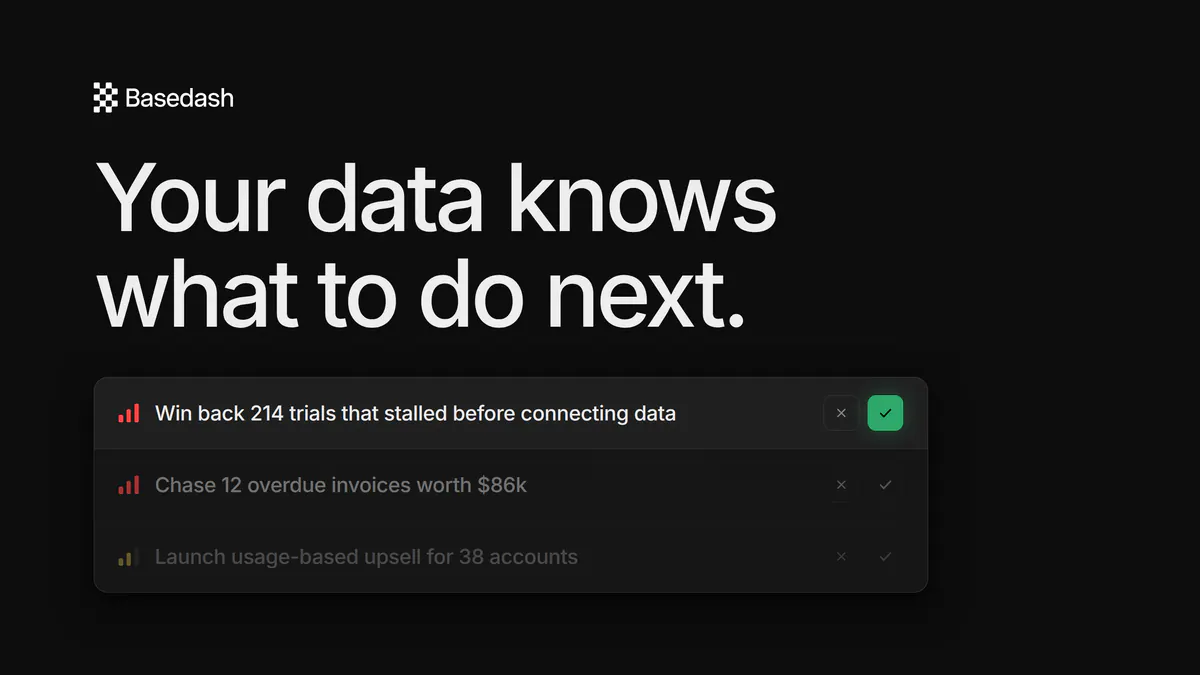
Tasks is AI that reads your company's real data and turns it into a prioritized to-do list — specific, actionable work with a why-now, an expected outcome, and instructions. Ship a task, and Basedash tracks how your metrics move and learns. Now in research preview.

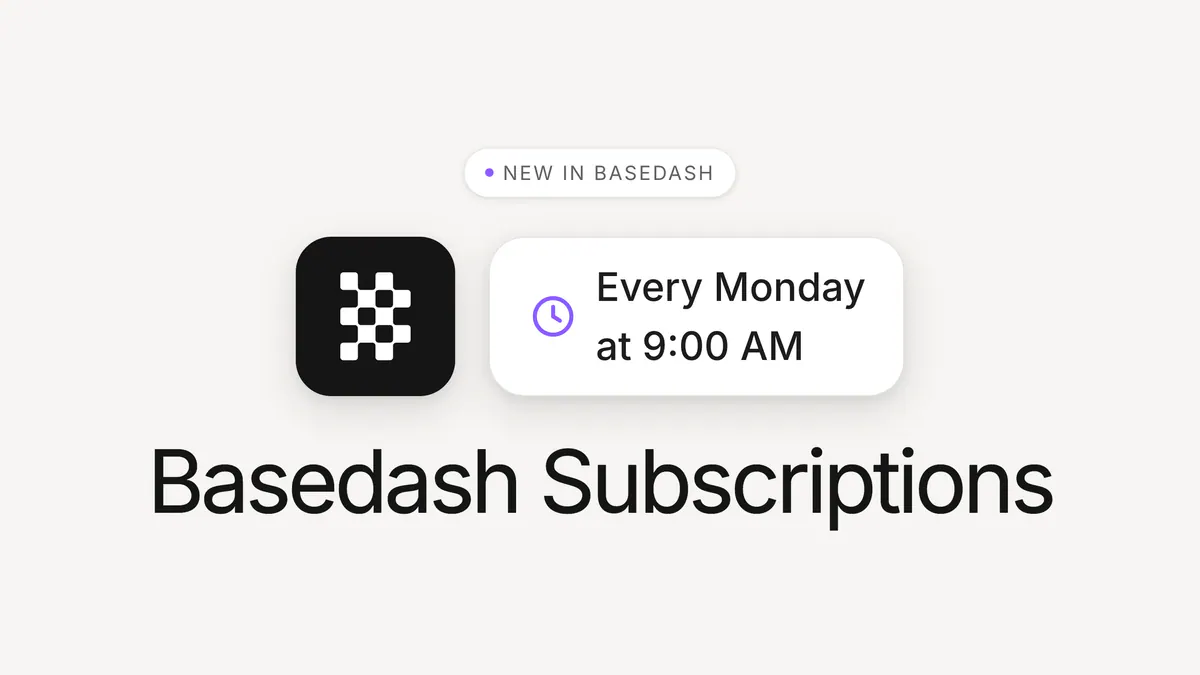
Subscribe to any dashboard or chart in Basedash and get a fresh snapshot delivered on a schedule — to your inbox or a Slack channel. Pick a cadence like every Monday at 9am, choose who receives it, and the report just shows up. Reports that come to you.

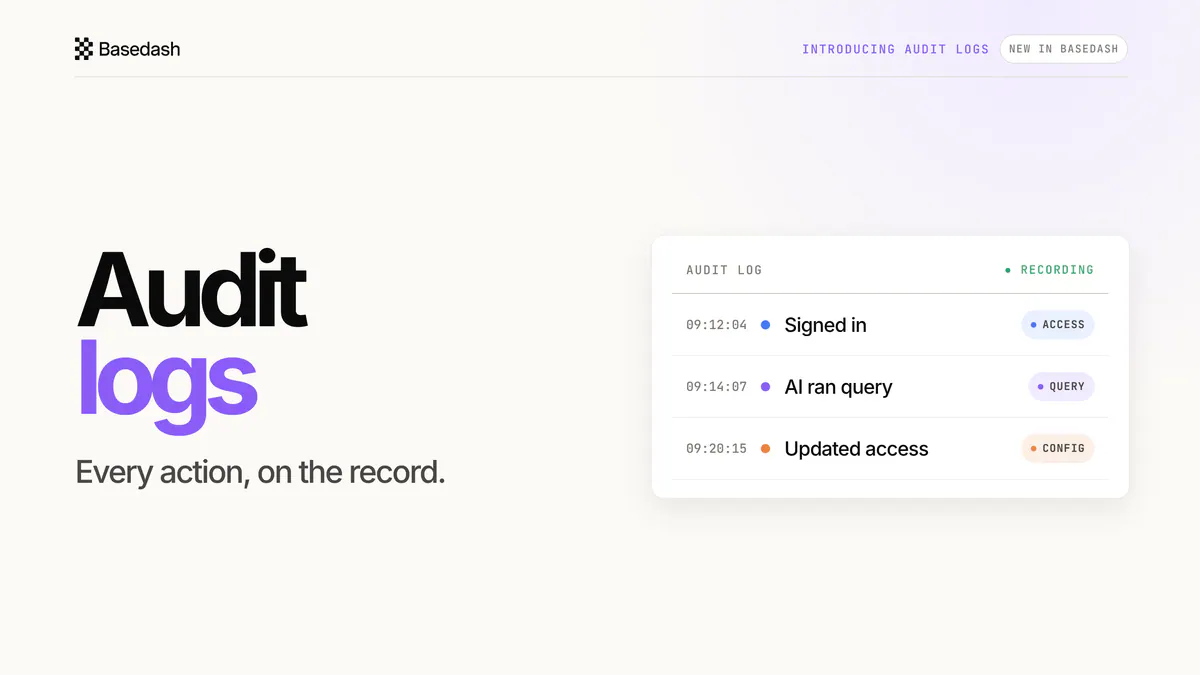
Native audit logs record access, queries, and configuration changes across Basedash — including every query the AI runs — with export, retention controls, and API access.

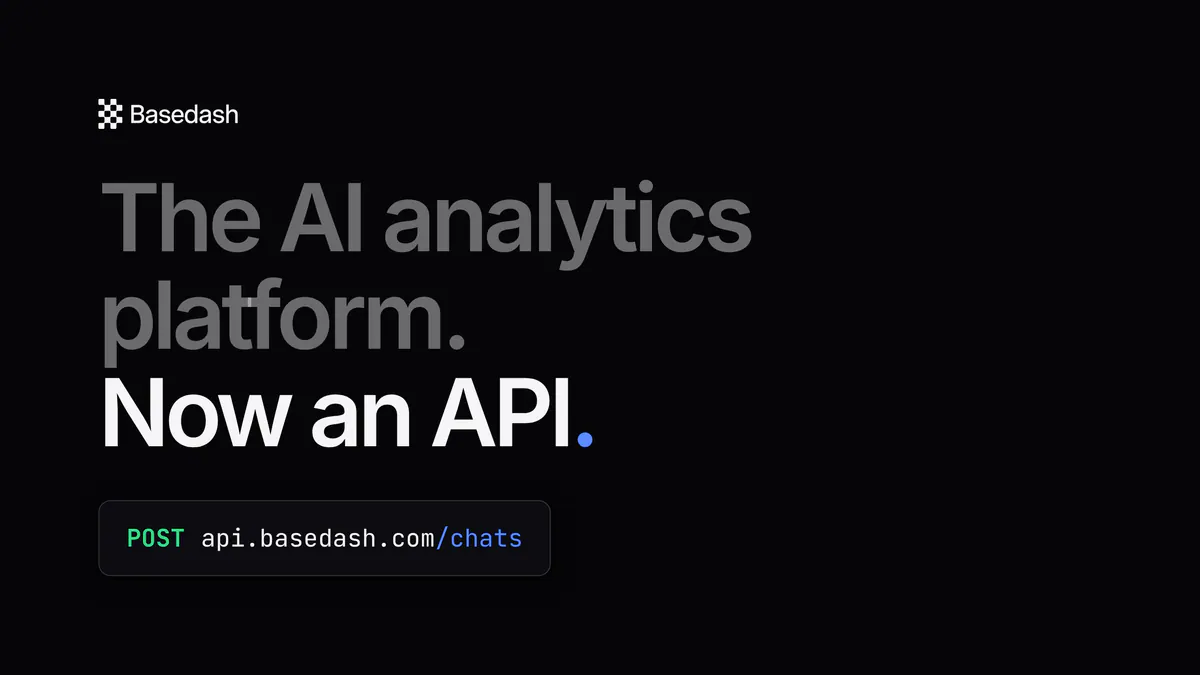
Everything Basedash does — AI data analyst chat, automatic daily insights, automations, dashboards — is now available through the API. Power your product's customer-facing analytics with a fully custom UI, or extend your internal BI in custom ways, all built on the AI data analyst ranked #1 on BI Bench.

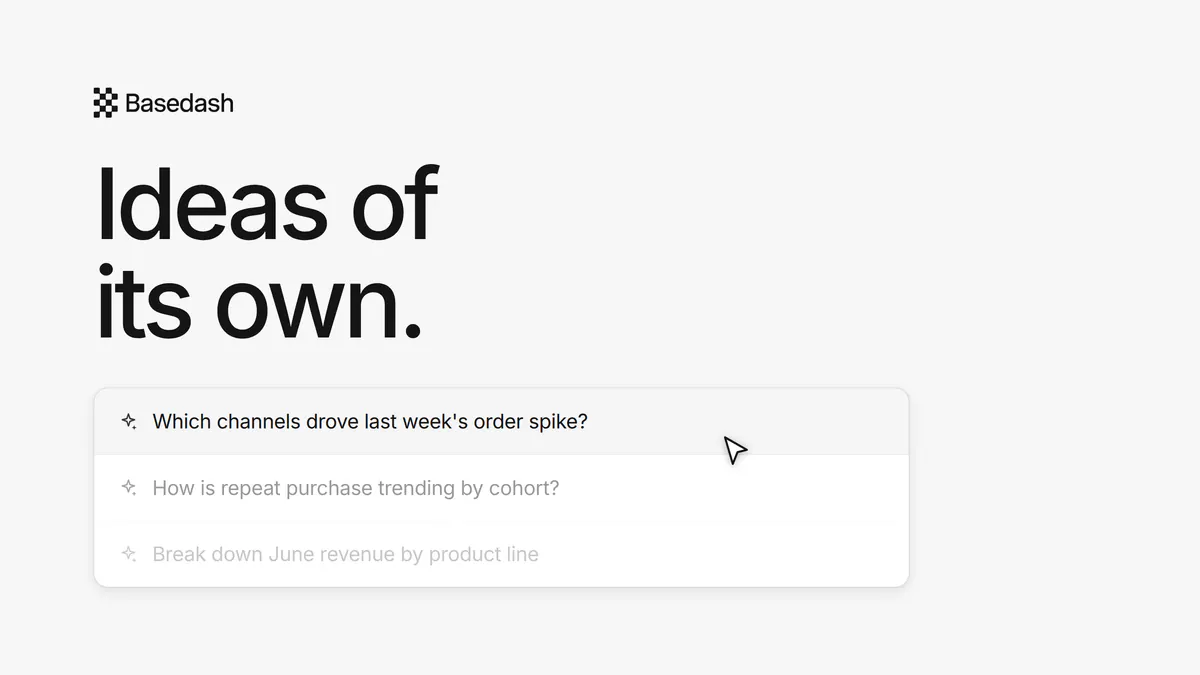
Basedash now generates personalized suggestions across chats, dashboards, and automations — questions worth asking, dashboards worth building, reports worth scheduling — all generated from your connected data, your past chats, and the work you've already done. One click and the analysis starts.

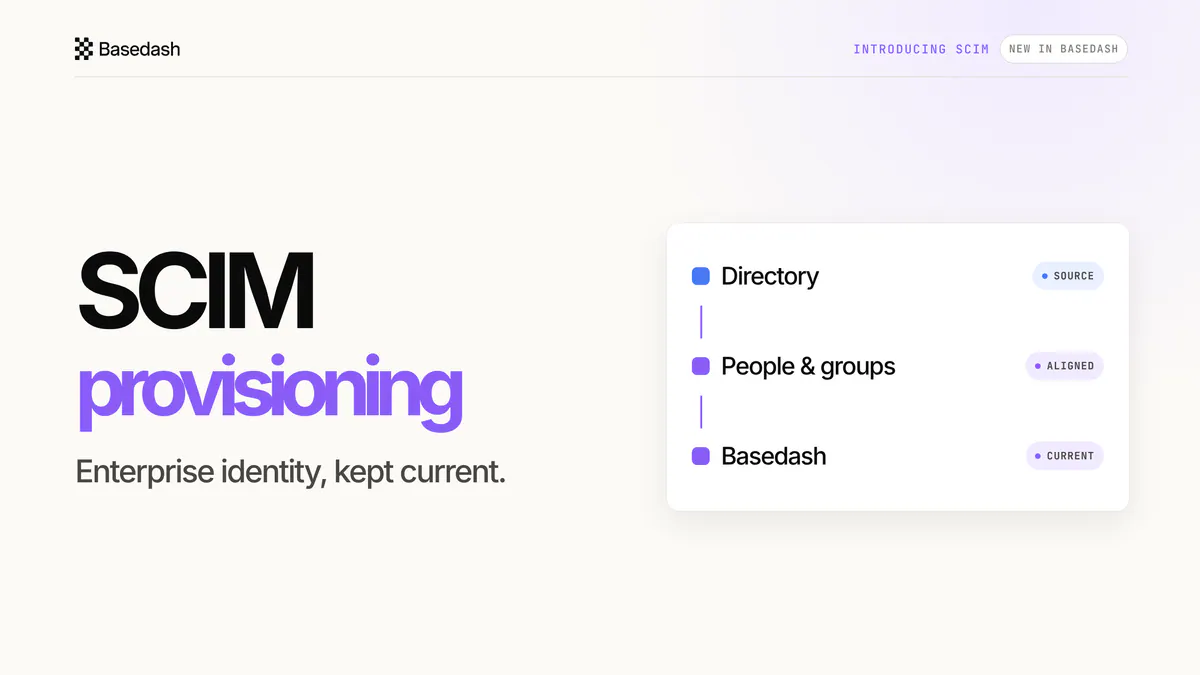
SCIM provisioning keeps users, groups, and memberships aligned from Okta or Microsoft Entra ID as enterprise BI adoption grows.

The Basedash agent can now take action: write and run SQL edits against databases you've enabled, and act in Stripe, HubSpot, or any tool behind an MCP connector — with your approval on everything consequential. From answers to actions.

Basedash now works with Excel, both ways. Drop an .xlsx file into the agent and it reads, analyzes, and builds charts and dashboards from your data — and export any chart's data back to a .xlsx file in one click.

Groups and access controls let you decide exactly who can access what in Basedash. Bundle users into groups, grant each one access to the data sources, dashboards, chats, automations, and MCP servers it needs, and give every group its own AI context.